Your Cabin
Smart home
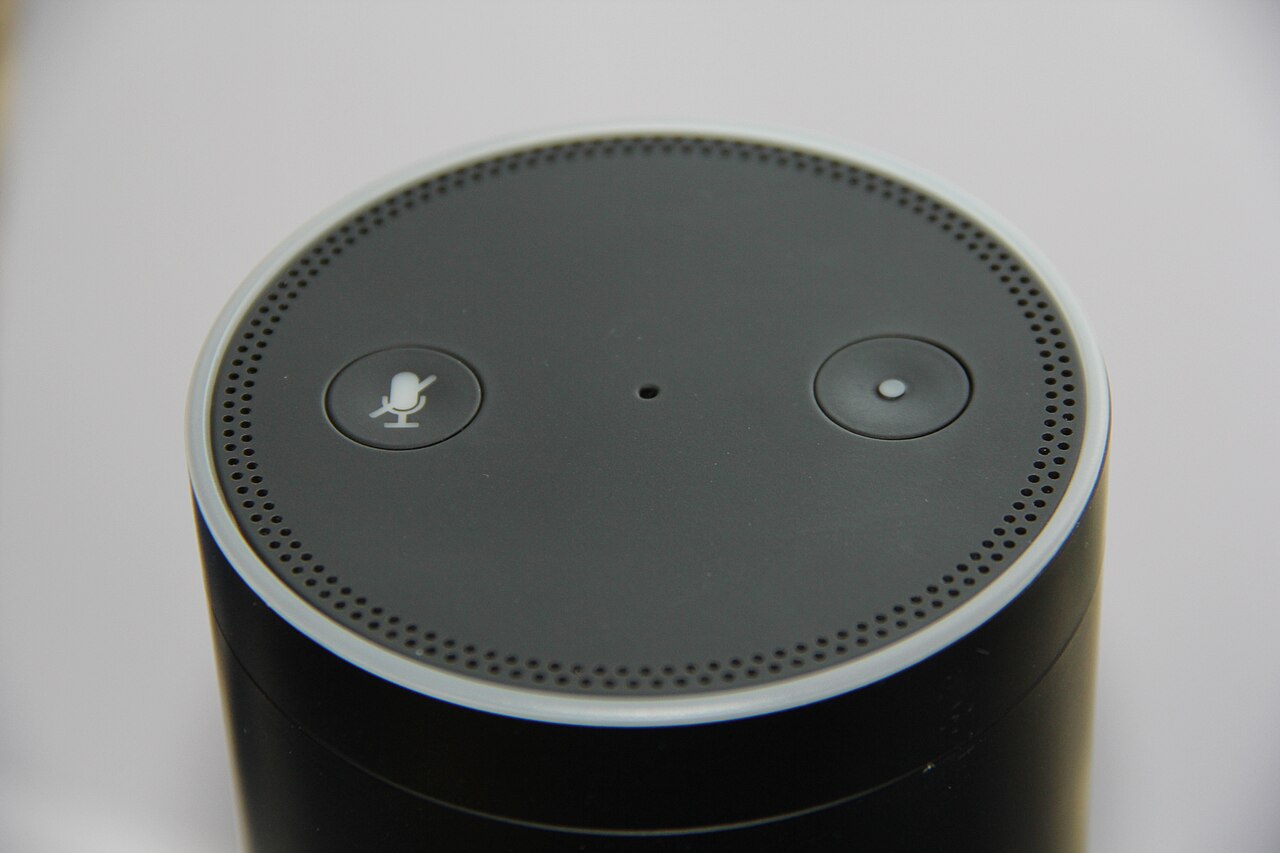
Tippity Top has a handful of smart-home touches to make your stay easier — most of which you can run by voice through Alexa, or the old-fashioned way with the switches on the wall. New to Alexa here? Start with Meet Alexa for the basics and a big list of things to ask.
What's connected
LightsMost lights, inside and out — control by switch or by voice
Ceiling fansMost can be turned on/off and adjusted by voice
Heated bathroom floorsComing soon to Alexa — the wall touchscreen always works
ThermostatsThree ecobee thermostats, one per level
Door locksSmart Yale locks — voice control isn't enabled yet
Lights & fans by voice
The Echo on the basement and main levels can run most of the lighting and fans. A few to try:
- “Alexa, turn on the living room lights.”
- “Alexa, turn off all the basement lights.”
- “Alexa, dim the kitchen lights to 40 percent.”
- “Alexa, turn on the bedroom fan.”
- “Alexa, turn on the Christmas lights.” (seasonal!)
Temperature is its own thing — the cabin has three ecobee thermostats, one per floor. Details and a couple of house requests on Heating & cooling.
We're connecting the heated bathroom floors to Alexa soon so you can warm your toes by voice. Until then, the wall touchscreen does the trick — see Heated floors.
House rules for the smart stuff
- Please don't change device settings, names, or Wi-Fi, and don't link personal accounts — it keeps everything working for the next guests.
- Prefer no smart speaker? You can unplug an Echo from the back of the device (not the wall) and plug it back in before checkout.
- Remove any alarms you set before you leave — “Alexa, cancel all my alarms.”
- Keep voice volume neighborly during quiet hours (10 PM–8 AM).
Something not responding to voice? The wall switch always works — and a quick text lets us reset or re-link a device remotely.